AI and automation
Personal AI agent setup
Set up an AI coding workspace around your computer, projects and working habits. Configure instructions, tools and approval settings, then test it with a real task.
Before we start. The setup uses authorised accounts and tools. It does not grant an agent unrestricted access or include provider subscriptions and ongoing operation by default.
The purpose
Expected outcomes
- A workspace suited to your projects and computer
- Clear instructions, tools and permission settings
- A tested example task and operating guide
Agree the work
Scope and what I need from you
Start with a description. Access to private systems or files is arranged only after the work and handling terms are agreed.
Useful information for the discussion
- Your projects and current working habits
- The computer and tools you use
- Data, access and approval constraints
Before the first reply
What I'll ask you.
The setup is built around your own computers, projects and habits. Do not send passwords or keys.
- What do you want AI agents to help with day to day?For example: Coding on two client projects and writing documentation
- Which computers should it cover?For example: A Windows desktop and a MacBook
- Which AI tools or subscriptions do you already use?For example: ChatGPT Plus and GitHub Copilot
- What must the agents never touch or do without asking?For example: Client data folders; pushing code without review
Explore the process
How the work happens
An illustrated example, from the first request to handover.
A developer wants a consistent agent workspace
Use the steps below to inspect the work and expected output.
Step 1 of 4
Understand the computer and work
Review the projects, tools and habits the workspace needs to support. Identify sensitive areas and resource constraints.
A workspace and permission plan.
Step 2 of 4
Set instructions and access
Configure the agreed agent harness, project guidance and tools. Where agents work across more than one of your computers, join them with Tailscale, a private network between your own devices, so none of them is opened to the public internet. Keep access and approval settings aligned with the work.
A configured workspace with clear boundaries.
Step 3 of 4
Test the setup on real work
Run an authorised representative task. Check how the agent finds context, requests approval and records the result.
A recorded setup test and adjustments.
Step 4 of 4
Explain everyday use and recovery
Document how to begin work, review changes, maintain instructions and recover when a task or tool fails.
An operating guide and handover session.
The handover
What you receive.
The agreed handover draws from these deliverables:
- Environment, repository and privacy-boundary review
- Harness selection and personalised configuration
- Tailscale private networking when the workspace spans more than one of your computers
- Project instructions, reusable skills and work orders
- Test task, operating guide and handover session
Outstanding issues and agreed next steps are recorded with the handover.
Inspect related work
Examples you can review.
ChaseOS
One chat for Claude Code, Codex, Hermes and my other agents, with saved sessions sorted into project workspaces and approval before sensitive actions.
The project record includes its current status and verification notes.
Read the ChaseOS project record →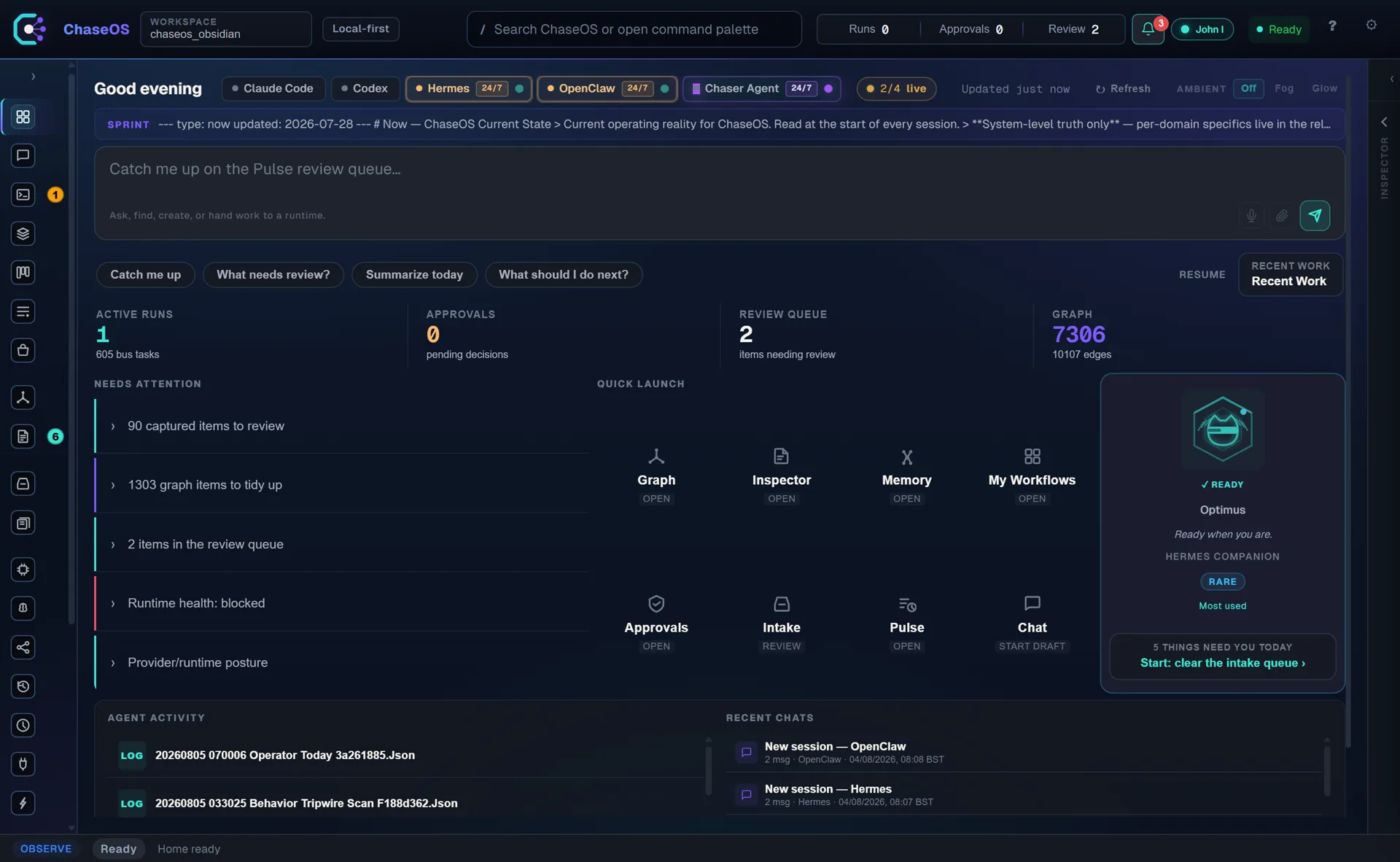
Before you enquire
Common questions.
Will you need my passwords or private keys in an enquiry?
No. Start with a description of the work and tools. Any required access is arranged through an agreed setup process; do not send secrets with an enquiry.
Can the workspace reach more than one computer?
Yes. Your computers are joined with Tailscale, a private network between your own devices, so an agent can reach the machines it needs without any of them being opened to the public internet.
What will you ask me before we start?
The setup is built around your own computers, projects and habits. Do not send passwords or keys. The 4 questions are listed on this page under "What I'll ask you". You can answer them on the enquiry page, then email or copy the brief.
How is the final price agreed?
The catalogue price is a starting point. The proposal confirms the scope, delivery stages, fees, provider costs and acceptance checks before work begins.
What happens after delivery?
You receive the agreed handover and remaining-issue notes. Additional features, continued operation and support are scoped separately.
Get in touch
Tell me what you need.
Describe the current system, the outcome you want, your timeline and a rough budget. Do not include credentials or private files in the initial enquiry.