AI and automation
Business automation and integrations
Connect your existing tools and automate routine tasks. Include permissions, error handling, activity records and human approval where needed.
Before we start. Production actions need authorised access and an agreed test plan. Provider fees, rate limits and ongoing operation are addressed in the proposal.
The purpose
Expected outcomes
- A connected workflow with clear ownership
- Error, duplicate and approval handling
- A tested integration and runbook
Agree the work
Scope and what I need from you
Start with a description. Access to private systems or files is arranged only after the work and handling terms are agreed.
Useful information for the discussion
- The trigger and desired result
- The systems and API access available
- Examples of failures or manual exceptions
Before the first reply
What I'll ask you.
An automation is defined by what starts it, what it should produce and what happens when something goes wrong.
- What starts the process, and what should the result be?For example: A paid Shopify order creates an invoice in Xero and a row in our dispatch sheet
- Which systems are involved, and do they have API access?For example: Shopify (admin access), Xero (API), Google Sheets
- How often does it happen?For example: About 40 orders a day
- What goes wrong today, or needs a person to step in?For example: Refunds and orders with missing addresses
- Should anything wait for a person's approval before it runs?
Explore the process
How the work happens
An illustrated example, from the first request to handover.
An enquiry moves between a form and a CRM
Use the steps below to inspect the work and expected output.
Step 1 of 4
Define the trigger and record owner
Identify the incoming fields, consent requirements and system that owns the customer record. Agree what happens when information is missing.
A field map and decision owners.
Step 2 of 4
Build the agreed integration
Validate the data and connect the permitted API actions. Make duplicate detection and retry behaviour explicit.
A connected path with recorded errors.
Step 3 of 4
Check failures before live actions
Try duplicates, unavailable providers and requests that need approval. Use safe test records before changing production data.
Acceptance results and review rules.
Step 4 of 4
Document monitoring and recovery
Explain how to inspect activity, replay an approved failure and stop the workflow when a provider or business rule changes.
A tested workflow and recovery runbook.
The handover
What you receive.
The agreed handover draws from these deliverables:
- Workflow and integration plan
- Automation implementation
- Failure, retry and human-review paths
- Operating guide and a tested example run
Outstanding issues and agreed next steps are recorded with the handover.
Inspect related work
Examples you can review.
ChaseOS
Persistent workflows across agents, projects and tools, with a person's approval before sensitive actions run.
The project record includes its current status and verification notes.
Read the ChaseOS project record →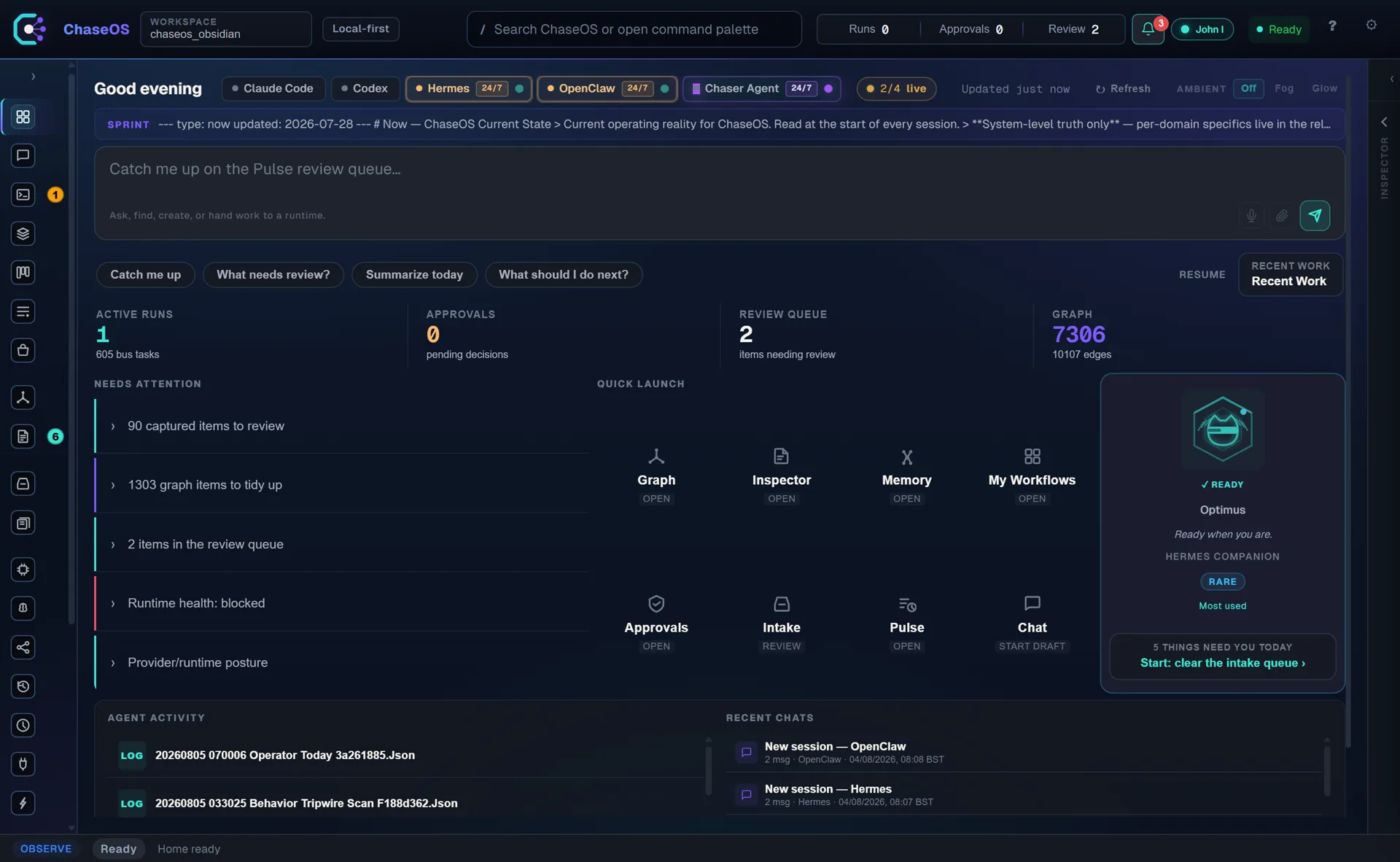
Before you enquire
Common questions.
Can we start without allowing live writes?
Yes. A scoped pilot can validate inputs and prepare reviewable results before any production write or send action is enabled.
What will you ask me before we start?
An automation is defined by what starts it, what it should produce and what happens when something goes wrong. The 5 questions are listed on this page under "What I'll ask you". You can answer them on the enquiry page, then email or copy the brief.
How is the final price agreed?
The catalogue price is a starting point. The proposal confirms the scope, delivery stages, fees, provider costs and acceptance checks before work begins.
What happens after delivery?
You receive the agreed handover and remaining-issue notes. Additional features, continued operation and support are scoped separately.
Get in touch
Tell me what you need.
Describe the current system, the outcome you want, your timeline and a rough budget. Do not include credentials or private files in the initial enquiry.