ChaseInTech
Brands
Explore the work behind each brand and service.

AI operating system
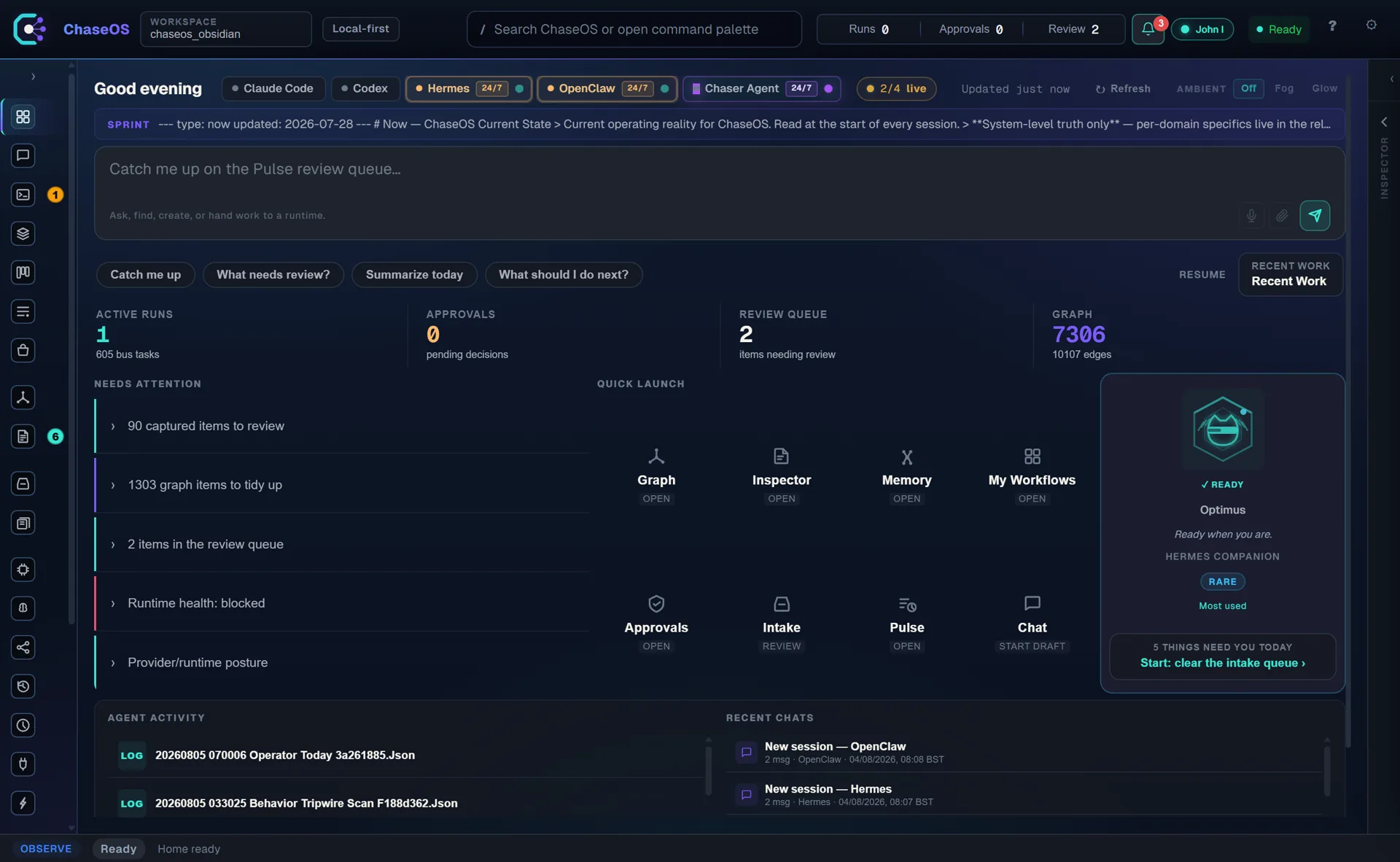
ChaseOS
Keeps project context, agent work and approvals in one place.
Inside ChaseOS+
ChaseOS brings the context behind a project together with the agents working on it. The platform, Core and Chaser Agent form a connected family for organising knowledge, reviewing proposed work and keeping approvals visible.
Who it is for
Builders and small teams managing ongoing projects across AI tools.
What it brings together
- Project knowledge and reusable context
- Agent work with review and approval boundaries
- A connected platform, runtime and agent family
Explore the work

Seller software
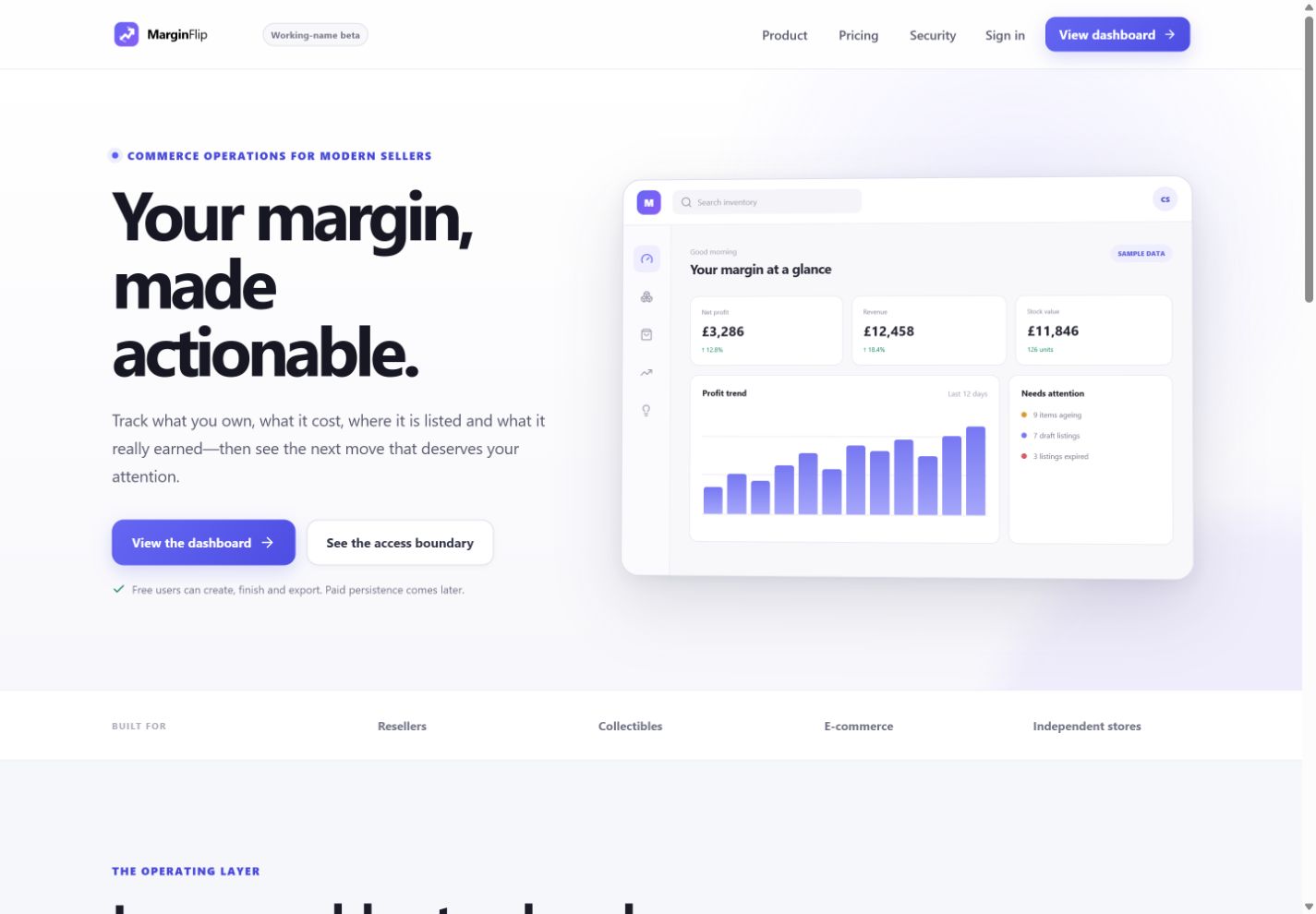
MarginFlip
Tracks inventory, costs, listings, sales and actual profit.
Inside MarginFlip+
MarginFlip connects the stages of a resale business: what you buy, what it costs, where it is listed and what a sale actually leaves behind. Its focus is the operating record behind the profit figure, not just a selling-price estimate.
Who it is for
Independent resellers who need a clearer view of stock, costs and results.
What it brings together
- Inventory and item-level cost records
- Listings and sales in the same workflow
- Profit visibility after recorded costs
Explore the work
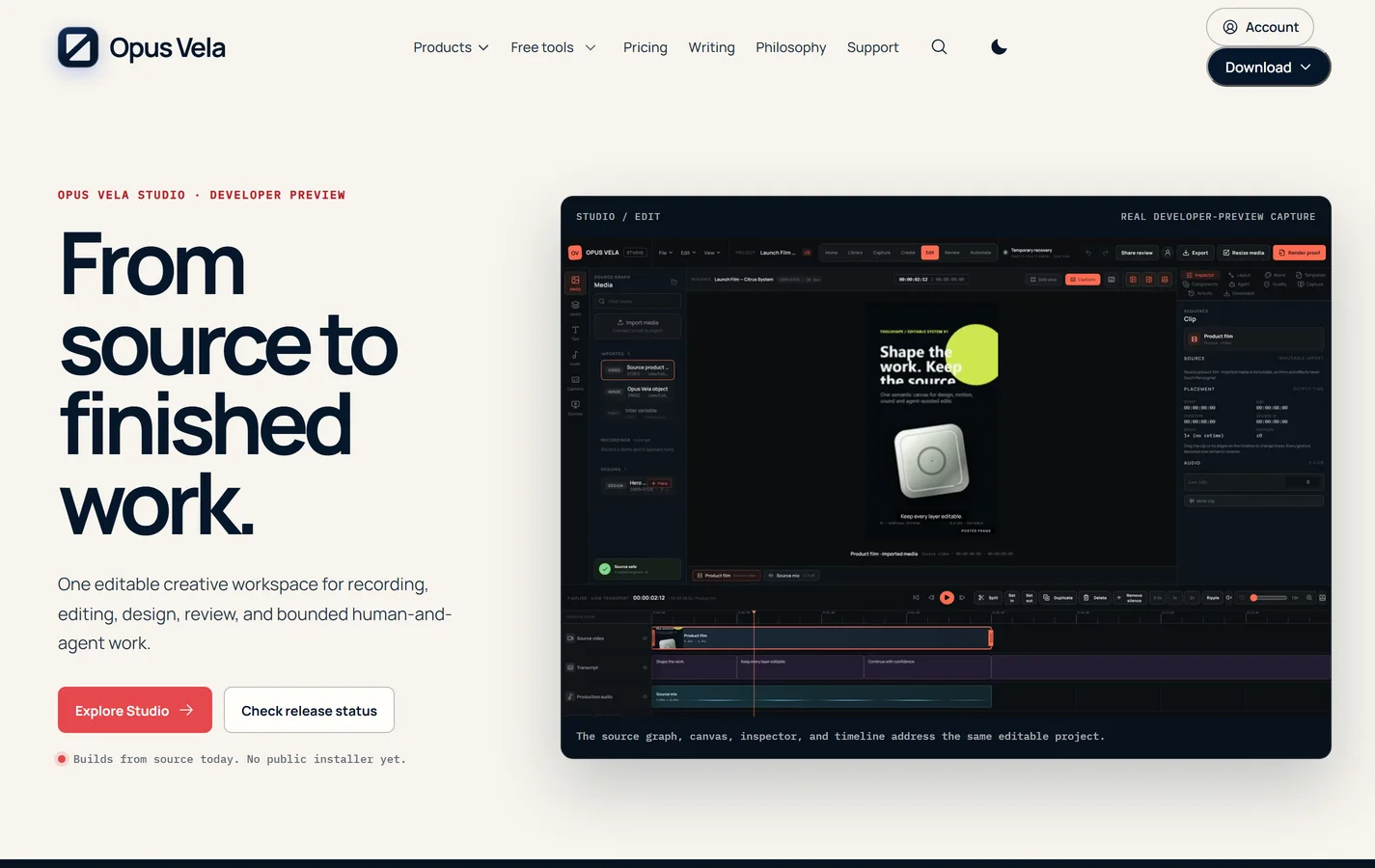
Studio for editing, Voice for dictation and Space for exploring storage on Windows.
Inside Opus Vela+
Opus Vela is a family of focused Windows tools for creative work. Studio brings source material into an editable project, Voice turns speech into editable text, and Space helps you inspect storage before deciding what to change.
Who it is for
Creators, editors and people who want practical desktop tools with visible control.
What it brings together
- Studio: recording, editing and project review
- Voice: local dictation across Windows
- Space: storage exploration and reviewed file actions
Explore the work

Public contracts
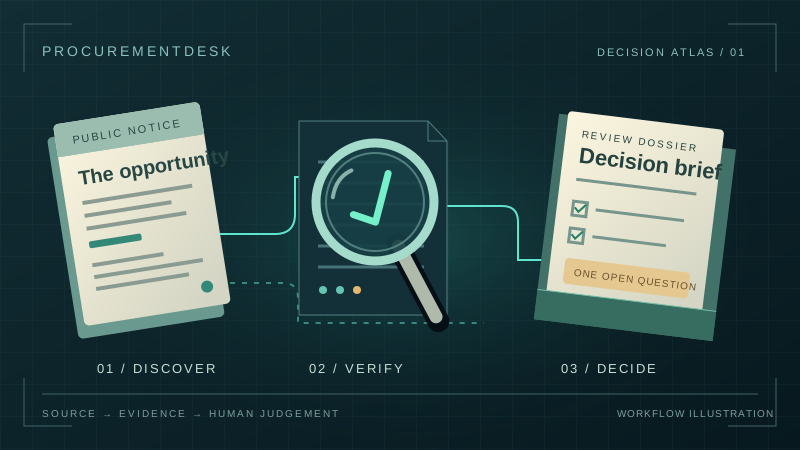
ProcurementDesk
Understand public contract adverts, compare requirements and decide whether to apply.
Inside ProcurementDesk+
The ProcurementDesk approach puts the public advert, buyer requirements, supplier evidence and open questions into one decision brief. The supplier chooses whether to bid and what to submit.
Who it is for
Small UK software and digital teams deciding which public-sector opportunities deserve their time.
What it brings together
- Opportunity briefs linked to official notices
- Requirements, supplier evidence and gaps in one review
- A reasoned bid, pass or investigate next step—not an award guarantee
Explore the work