Build log
Mobile project media: turning screenshots into an inspectable gallery
How project evidence gained swipe, zoom, focus restoration and a usable phone-sized inspection surface.
Source: Public ChaseInTech project gallery and production mobile viewer verification
Technical bibliography record
The build, in five parts.
- 01 Built
- A project-media viewer with mobile centering, swipe navigation, controlled zoom, keyboard behavior and focus restoration.
- 02 Process
- The existing card gallery was exercised through Astro client navigation and phone viewports, then interaction state and geometry were covered in Playwright.
- 03 Learned
- A screenshot is not useful proof if a phone visitor cannot open, centre and inspect it without losing their place.
- 04 Skills
- touch UXfocus managementmedia geometryPlaywrightresponsive interaction
- 05 Saved
- Viewer runtime, mobile regression contracts, geometry assertions and production screenshots.
Visual QA and product evidence
See the milestone, not only the summary.
The transition#
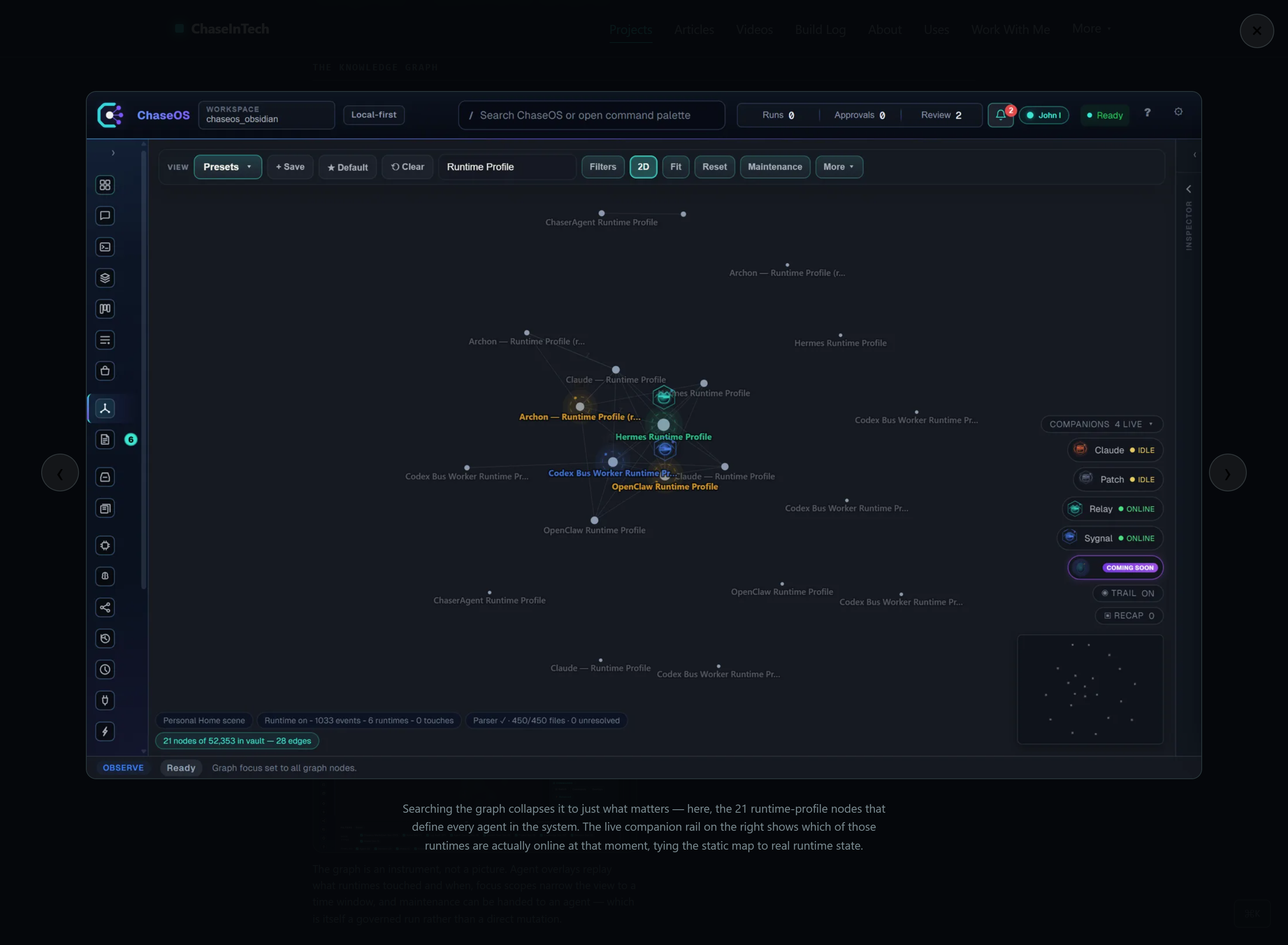
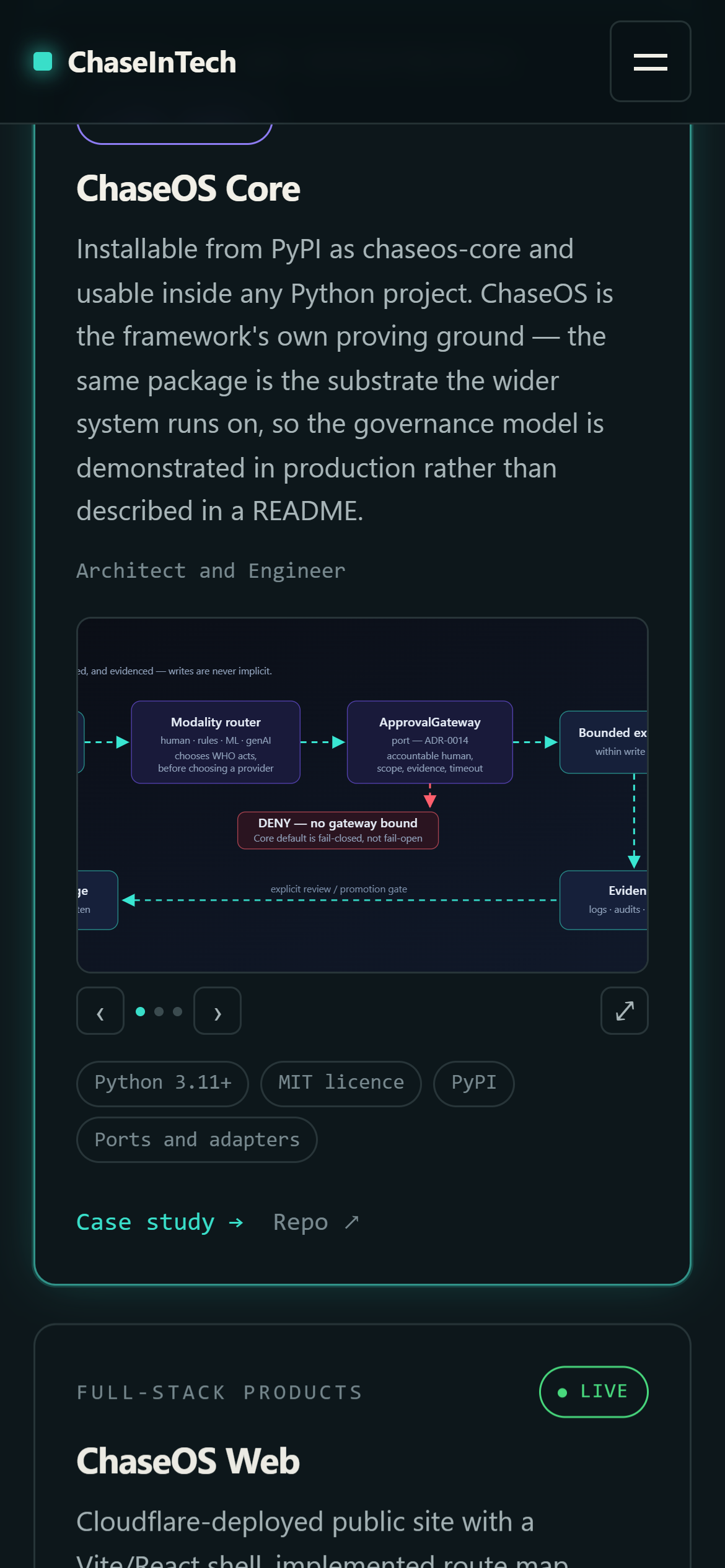
Project cards originally surfaced media but made detailed inspection awkward on small screens. The viewer added a dedicated, bounded surface for opening evidence, navigating it and returning focus to the exact card that launched it.
Visual QA#
Phone-size testing verified opaque overlay treatment, horizontal and vertical centring, zoom state, overflow behavior, swipe/navigation controls and focus restoration after closing.
What carried forward#
Media quality includes interaction quality. High-resolution assets do not solve the evidence problem unless they remain inspectable, stable and accessible at the visitor's viewport.