Software development
Desktop applications
Build desktop software that stores work reliably and makes its privacy and offline capabilities clear. Include packaging, update planning and testing.
Before we start. Supported platforms, installers and offline behaviour are named in the scope. Local-first does not by itself mean every feature is offline or that data is automatically backed up.
The purpose
Expected outcomes
- A desktop workflow with clear local-data behaviour
- Packaging and update preparation
- Runtime checks and operating documentation
Agree the work
Scope and what I need from you
Start with a description. Access to private systems or files is arranged only after the work and handling terms are agreed.
Useful information for the discussion
- Target operating systems and devices
- Offline and data-handling requirements
- The installation and update constraints
Before the first reply
What I'll ask you.
Desktop software is shaped by the machines it runs on and what has to work without a connection.
- What should the application do?
- Which operating systems and devices?For example: Windows 11 laptops; macOS later
- What must work offline, and where does the data live?For example: Everything offline; files stay on the user's machine
- How will it be installed and updated?For example: Our IT team deploys it; no admin rights for users
- Is there an existing version or prototype?
Explore the process
How the work happens
An illustrated example, from the first request to handover.
A Windows tool needs reliable local history
Use the steps below to inspect the work and expected output.
Step 1 of 4
Agree what happens on the device
Map the main task, local records and any external connections. Identify what should work without a network.
A platform and local-data plan.
Step 2 of 4
Implement the desktop workflow
Build the interface and agreed storage behaviour. Make saved state and errors understandable to the person using the app.
A working desktop workflow.
Step 3 of 4
Test restarts and interrupted work
Exercise the agreed runtime, data persistence and failure cases. Record supported environments and known limits.
Runtime evidence and recovery findings.
Step 4 of 4
Prepare installation and handover
Check the agreed installer and update path, then document configuration, local data and operating procedures.
Release preparation and a usable handover.
The handover
What you receive.
The agreed handover draws from these deliverables:
- Application architecture and local data model
- Desktop interface and core workflows
- Packaging and update-path preparation
- Runtime, installer and clean-environment QA plan
Outstanding issues and agreed next steps are recorded with the handover.
Inspect related work
Examples you can review.
Opus Vela Voice
Local dictation, text-insertion checks, saved history and a tested Windows release.
The project record includes its current status and verification notes.
Read the Opus Vela Voice project record →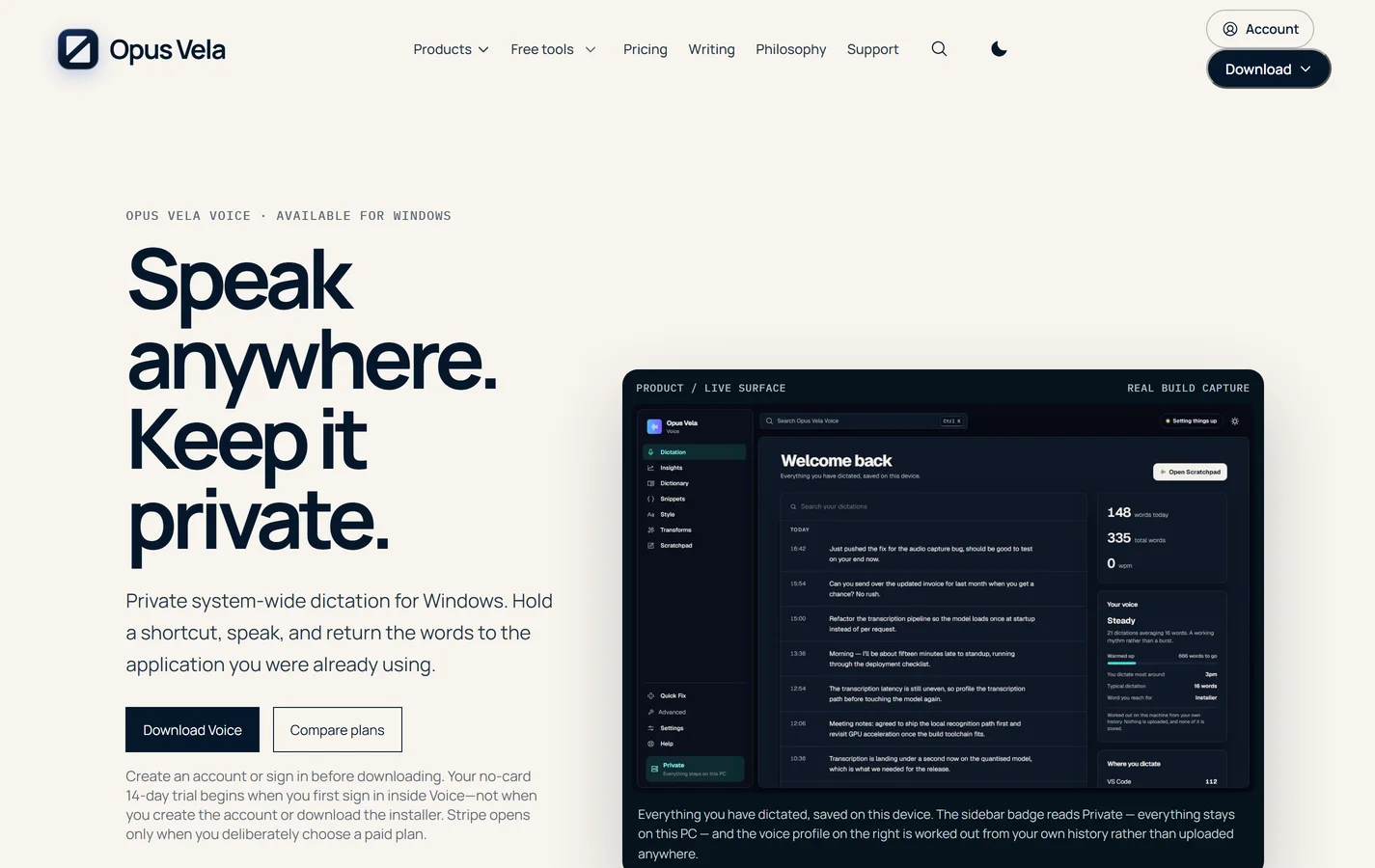
Before you enquire
Common questions.
Can it keep sensitive work on the device?
That can be a design requirement. The scope must state which data stays local, any external connections and how storage and backups will be handled.
What will you ask me before we start?
Desktop software is shaped by the machines it runs on and what has to work without a connection. The 5 questions are listed on this page under "What I'll ask you". You can answer them on the enquiry page, then email or copy the brief.
How is the final price agreed?
The catalogue price is a starting point. The proposal confirms the scope, delivery stages, fees, provider costs and acceptance checks before work begins.
What happens after delivery?
You receive the agreed handover and remaining-issue notes. Additional features, continued operation and support are scoped separately.
Get in touch
Tell me what you need.
Describe the current system, the outcome you want, your timeline and a rough budget. Do not include credentials or private files in the initial enquiry.