Design and interfaces
Interface design and front-end development
Design and build responsive interfaces for websites and applications. Add interaction and animation where useful, then check the main user journeys, accessibility and mobile layouts.
Before we start. The scope identifies the pages, flows and implementation included. Accessibility checks are recorded, but a formal certification or every possible device is not implied.
The purpose
Expected outcomes
- A clear interface direction and component rules
- A responsive implemented user journey
- Accessibility, motion and device checks
Agree the work
Scope and what I need from you
Start with a description. Access to private systems or files is arranged only after the work and handling terms are agreed.
Useful information for the discussion
- The current website, app or design files
- The users and journey causing difficulty
- Brand assets and target devices
Before the first reply
What I'll ask you.
Interface work starts from the journey that isn't working and the devices people use.
- What exists now?A live site or app, design files or nothing yet.For example: A live Webflow site and a brand guide
- Which journey or page is causing trouble?For example: People drop off on the pricing page on phones
- Who uses it, and on which devices?For example: Mostly phones; older customers
- Which brand assets do you have?For example: Logo, fonts and colours
Explore the process
How the work happens
An illustrated example, from the first request to handover.
An onboarding flow is hard to follow
Use the steps below to inspect the work and expected output.
Step 1 of 4
Find the points that confuse users
Inspect the intended task, page hierarchy and current interface. Review available user evidence and the target devices.
A focused interface and journey review.
Step 2 of 4
Clarify content and interactions
Agree the layout, typography, components and useful motion. Keep important actions and scope information easy to find.
A reviewed interface direction.
Step 3 of 4
Build the responsive experience
Implement the agreed components and interaction states. Include keyboard behaviour, small screens and reduced motion.
A working interface for review.
Step 4 of 4
Verify the main paths and hand over
Check the agreed devices, error states and accessibility requirements. Record the changes and any remaining limits.
Visual checks and implementation handover.
The handover
What you receive.
The agreed handover draws from these deliverables:
- Interface direction, interaction and component rules
- Responsive front-end implementation
- Accessibility, reduced-motion, interaction, console and failure-state checks
- Desktop, mobile and before-and-after visual QA pack
Outstanding issues and agreed next steps are recorded with the handover.
Inspect related work
Examples you can review.
Opus Vela Web
A responsive website with product pages, application captures and consistent navigation.
The project record includes its current status and verification notes.
Read the Opus Vela Web project record →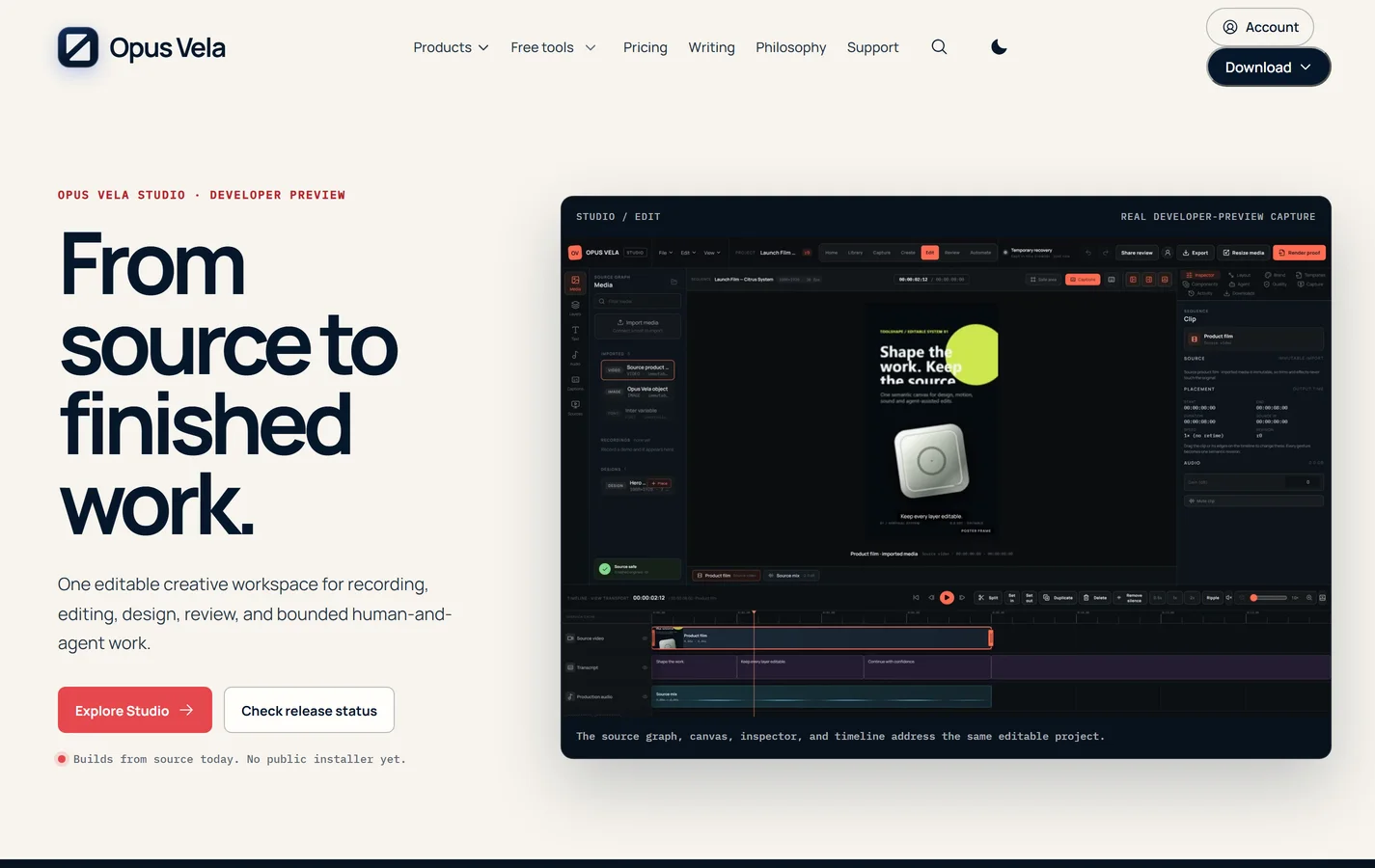
Before you enquire
Common questions.
Can motion be included without making the site harder to use?
Yes. Useful motion can be included with keyboard access, readable static states and a reduced-motion alternative. The important journey should still work without animation.
What will you ask me before we start?
Interface work starts from the journey that isn't working and the devices people use. The 4 questions are listed on this page under "What I'll ask you". You can answer them on the enquiry page, then email or copy the brief.
How is the final price agreed?
The catalogue price is a starting point. The proposal confirms the scope, delivery stages, fees, provider costs and acceptance checks before work begins.
What happens after delivery?
You receive the agreed handover and remaining-issue notes. Additional features, continued operation and support are scoped separately.
Get in touch
Tell me what you need.
Describe the current system, the outcome you want, your timeline and a rough budget. Do not include credentials or private files in the initial enquiry.